


Overview
Overview
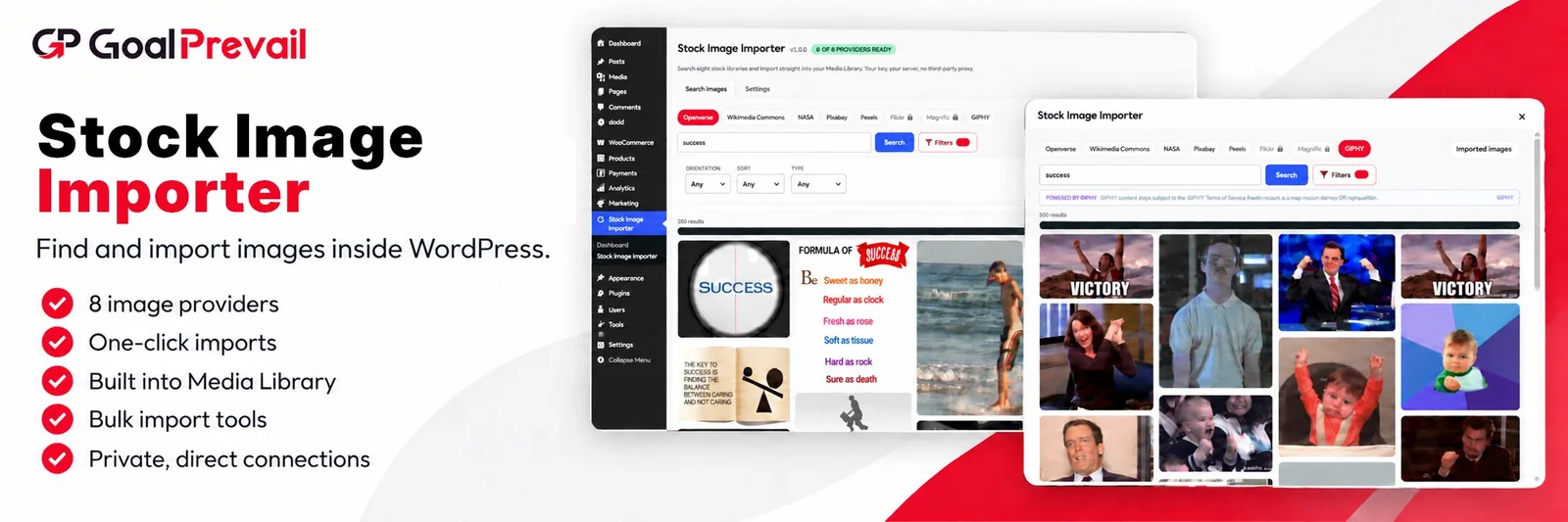
Stock Image Importer brings eight stock image libraries into your WordPress admin. Search Openverse, Wikimedia Commons, NASA, Pixabay, Pexels, Flickr, Magnific and GIPHY, then import straight into your Media Library with the alt text, caption and credit already filled in.
Why use it
WHY USE Stock Image Importer?
Finding one image usually means leaving WordPress, searching a stock site, downloading a file, uploading it, then typing out the alt text and the credit by hand. Stock Image Importer collapses that into a single search box inside your dashboard, and it does it without routing your traffic through anyone else’s server.
Features
Features
Eight Libraries, One Search
Search Openverse, Wikimedia Commons, NASA, Pixabay, Pexels, Flickr, Magnific and GIPHY from one screen, with per-provider filters for orientation, colour, sort order and image type.
Built Into The Editor
An Image Hub tab sits inside the WordPress media modal, so it is there in the Image block, the Featured image panel, galleries and Replace image. Import and the image lands in your selection, ready for the modal’s own button.
Your Keys, Your Server, No Proxy
Every provider request runs from your own site. Nothing is routed through a middleman, no usage is tracked, and your API keys are encrypted before they are stored and never sent to the browser.
Works The Moment You Activate
Openverse, Wikimedia Commons and the NASA library need no account and no API key. Add free keys later to unlock the rest.
Imports That Arrive Finished
Set the filename, title, alt text, caption and description before importing, or let the plugin fill the alt text and the author and licence credit for you. Bulk-select several images and import them in one pass.
Licences You Can Actually See
Every result shows its licence badge and source link, and the licence is stored with the imported image. Providers with attribution requirements carry their notice on screen, where the decision gets made.
Use Cases
- Illustrate Posts Faster
- Stock Images Without The Tab Shuffle
- Alt Text And Credits Done Right
Who It’s For
- Bloggers and content teams who need a good image for every post without breaking their writing flow.
- Agencies that want clients sourcing their own images safely, with licences recorded automatically.
- Site owners who would rather not send their search activity through a third-party proxy.
- Anyone who keeps forgetting to write alt text and wants it filled in by default.